
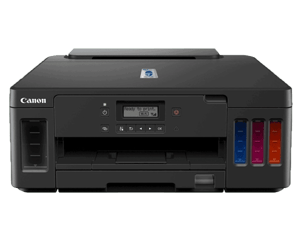
When installing your TROY T6020 MICR Print driver, if you should have any questions, please do not hesitate to reach out to our support team.
Compatible with Windows 10, Server 2016 and newer.
Step 1: Download installation guide
Step 2: Download MICR print driver
Step 3: Download and print purge File
Instructions:
-
Download the T6020 Ink Purge File above.
-
Fill your TROY T6020 MICR printer with TROY MICR ink following the instructions on the bottle.
-
Print at least 300 pages to fully purge the T6020 Printer of basic non-MICR ink. This may take about 30 minutes.
NOTE: You must print at least 300 pages using the purge file to fully purge the black standard ink out of the printer.
Step 4: Request your MICR Font Package. This model requires a MICR Font package.
Still need assistance with your TROY T6020 MICR Printer? Reach out to technical support: technicalsupport@troygroup.com